Most restaurant POS problems aren't about payments
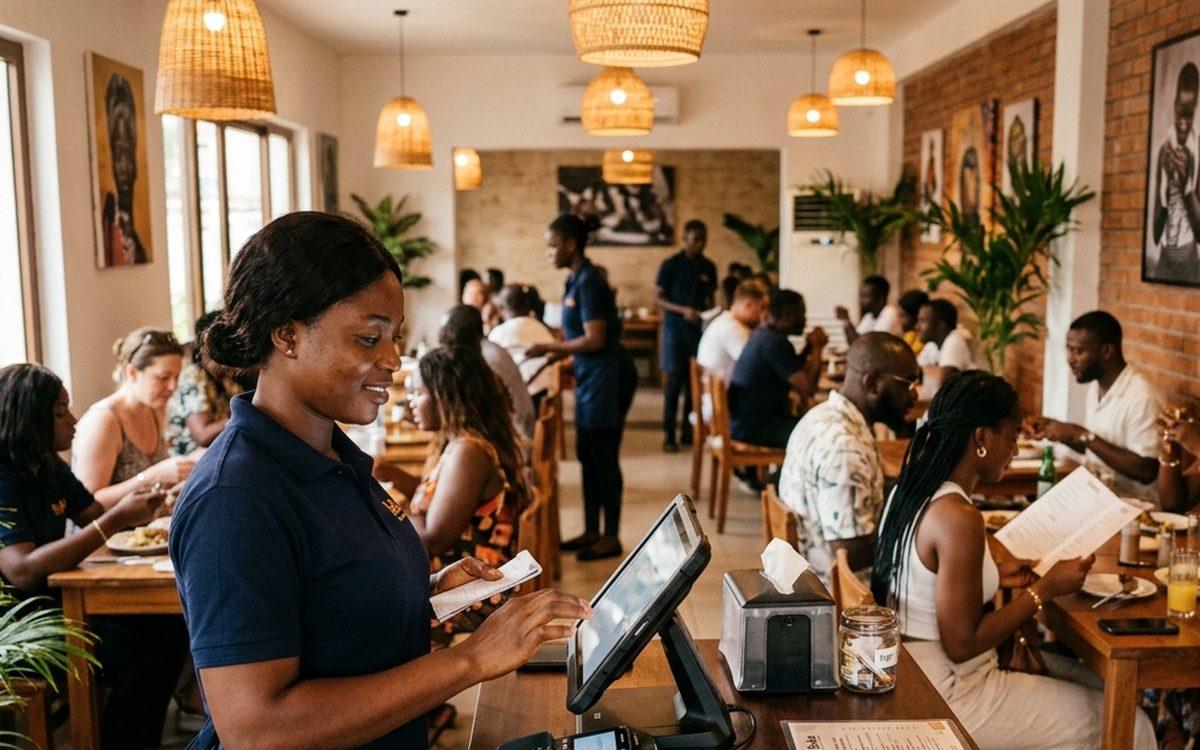
When restaurant owners shop for a POS system, the conversation usually starts with payments - card readers, settlement times, transaction fees. Those matter, but they are rarely what actually slows a busy floor down on a Friday night. The real friction shows up in how orders move from the table to the kitchen and back, and how easily staff can see what's happening across the whole restaurant at a glance.
The features that actually matter for a busy floor
- 1 Table and section management. You should be able to see which tables are occupied, for how long, across every section of the restaurant, at a glance - not by walking the floor to check.
- 2 Kitchen display tickets. Orders should reach the kitchen the moment they're placed, clearly organised, without a server having to walk back and forth or shout over the pass.
- 3 Order-type filtering. Dine-in, takeout, and delivery orders need to be visually distinct and filterable, so your team always knows what's for the table versus what's going out the door.
- 4 Staff assignment and accountability. Every order and table should be tied to the staff member handling it, with an activity log you can check if something goes wrong.
Don't underestimate offline reliability
Internet connectivity in Ghana, even in well-served parts of Accra, is not always guaranteed. A POS system that simply stops working - or worse, loses an order - the moment the connection drops is a real operational risk, not a theoretical one. Ask directly how a system behaves during a brief outage before you commit to it, rather than assuming it will be fine.
Hardware shouldn't be the bottleneck
Many POS systems lock you into specific, often expensive, proprietary terminals. A browser-based system removes that constraint entirely: it should run on whatever you already have, from a basic Android tablet to a regular laptop, up to a dedicated POS terminal if you want one later. That flexibility matters most when you're opening a second location and don't want to repeat a large hardware purchase.
Inventory sync between the kitchen and everywhere else
The most overlooked requirement is also the most important one long-term: your POS shouldn't be an island. If you also sell takeout orders through an online storefront, or manage stock for ingredients and retail items together, your POS needs to update the same underlying inventory as every other sales channel, in real time. Otherwise you end up doing inventory counts twice and trusting neither number.
VendReady POS is built around this exact requirement - table management, kitchen tickets, staff assignment, and order-type filtering, running in any browser with no special hardware, and synced to the same inventory as your online storefront and the rest of your VendReady dashboard.